Purchase
Learn how to purchase Oracle AI Database@Google Cloud in the Google Cloud Marketplace.
Oracle has the following options for purchasing Oracle AI Database@Google Cloud:
Billing and payment for the service is done through Google Cloud. Payment for Oracle AI Database@Google Cloud counts toward your Google Cloud Commitments. Existing Oracle Database software customers can use the Bring Your Own License (BYOL) option or Unlimited License Agreements (ULAs). On your regular Google Cloud invoices, you'll see charges for Oracle AI Database@Google Cloud alongside charges for your other Google Cloud Marketplace services.
After Oracle Sales or an authorized Google Cloud reseller creates your private offer, Oracle sends an email confirming that the offer is ready for purchase. You can review and accept the private offer from Google Cloud Marketplace using a Google Cloud account that has the required permissions on the Cloud Billing account associated with the offer.
Steps
-
On the Your private offer details page for Oracle AI Database@Google Cloud, review the details of the offer.
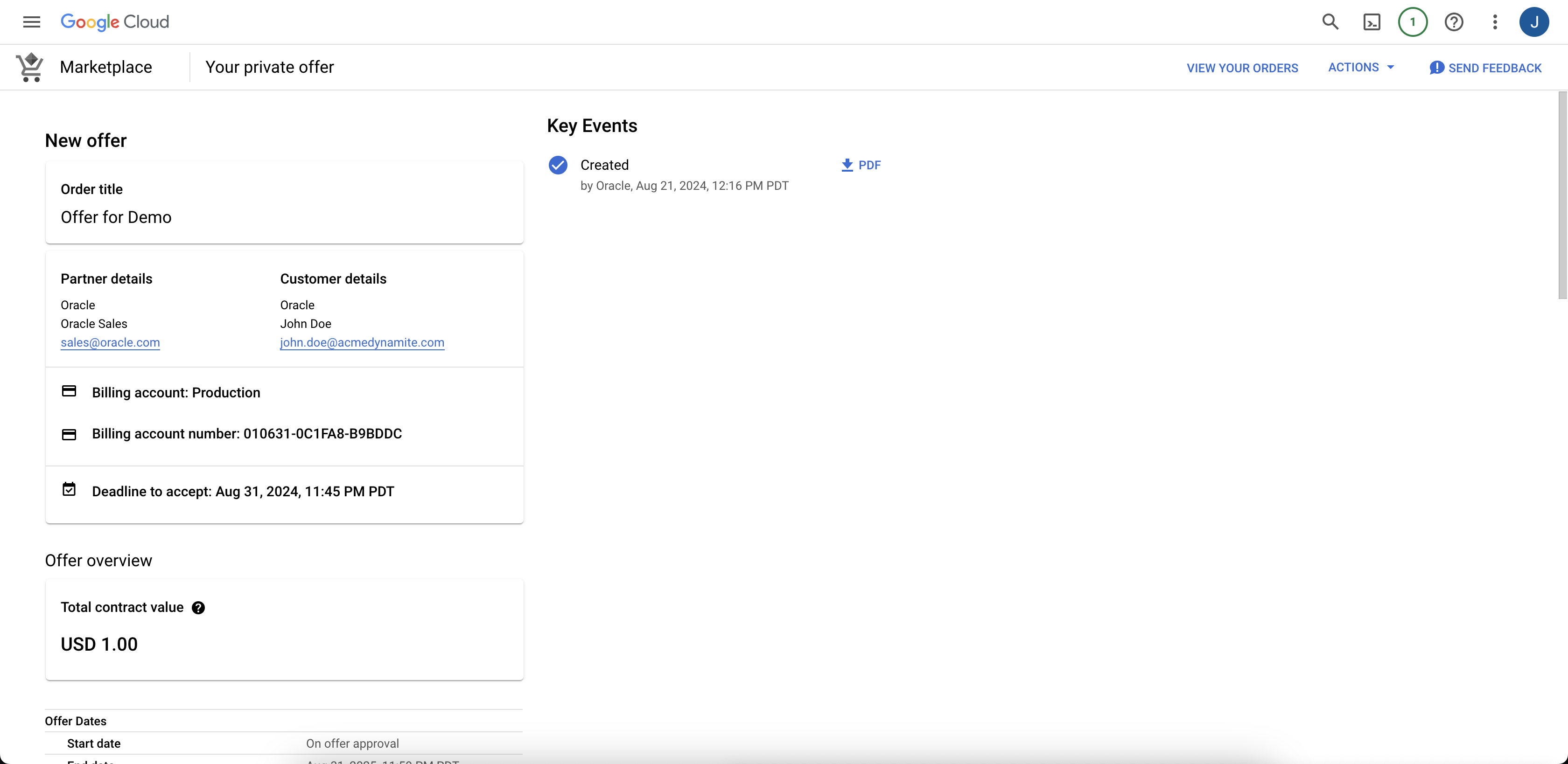
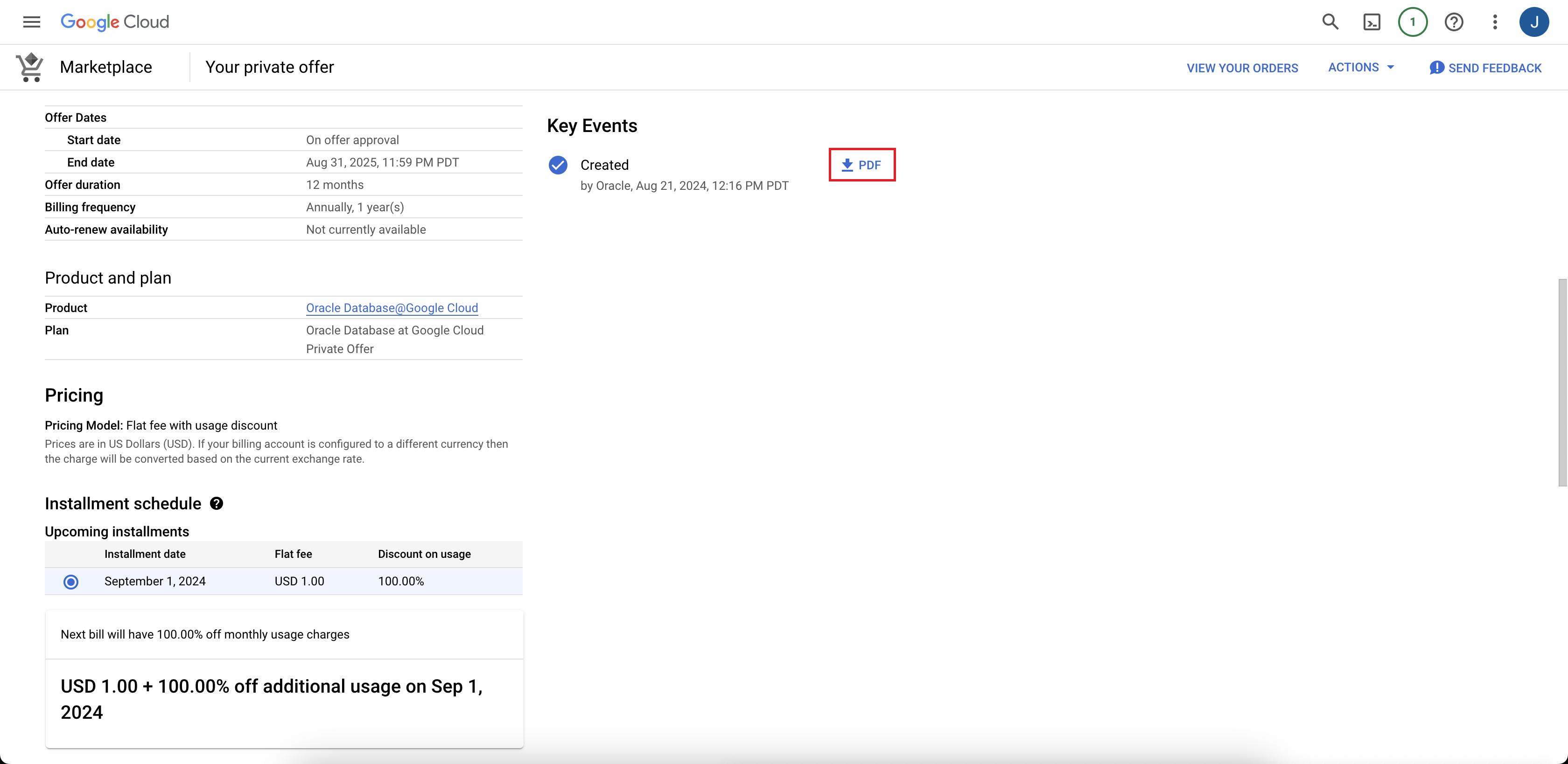
Optionally, you can download a PDF file of your Oracle Sales agreement and terms by selecting the PDF icon in the Key Events section.
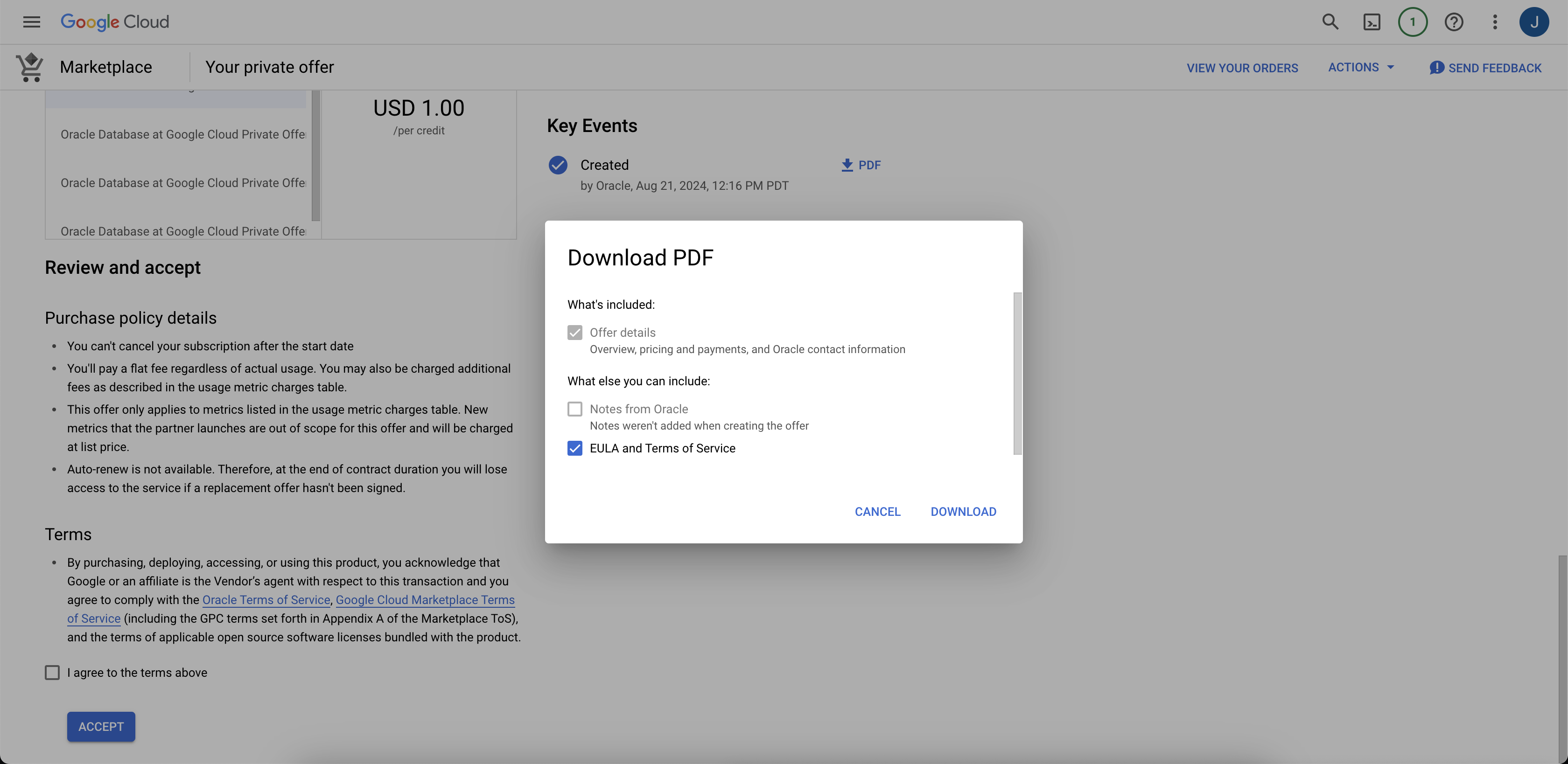
The optional PDF download:
-
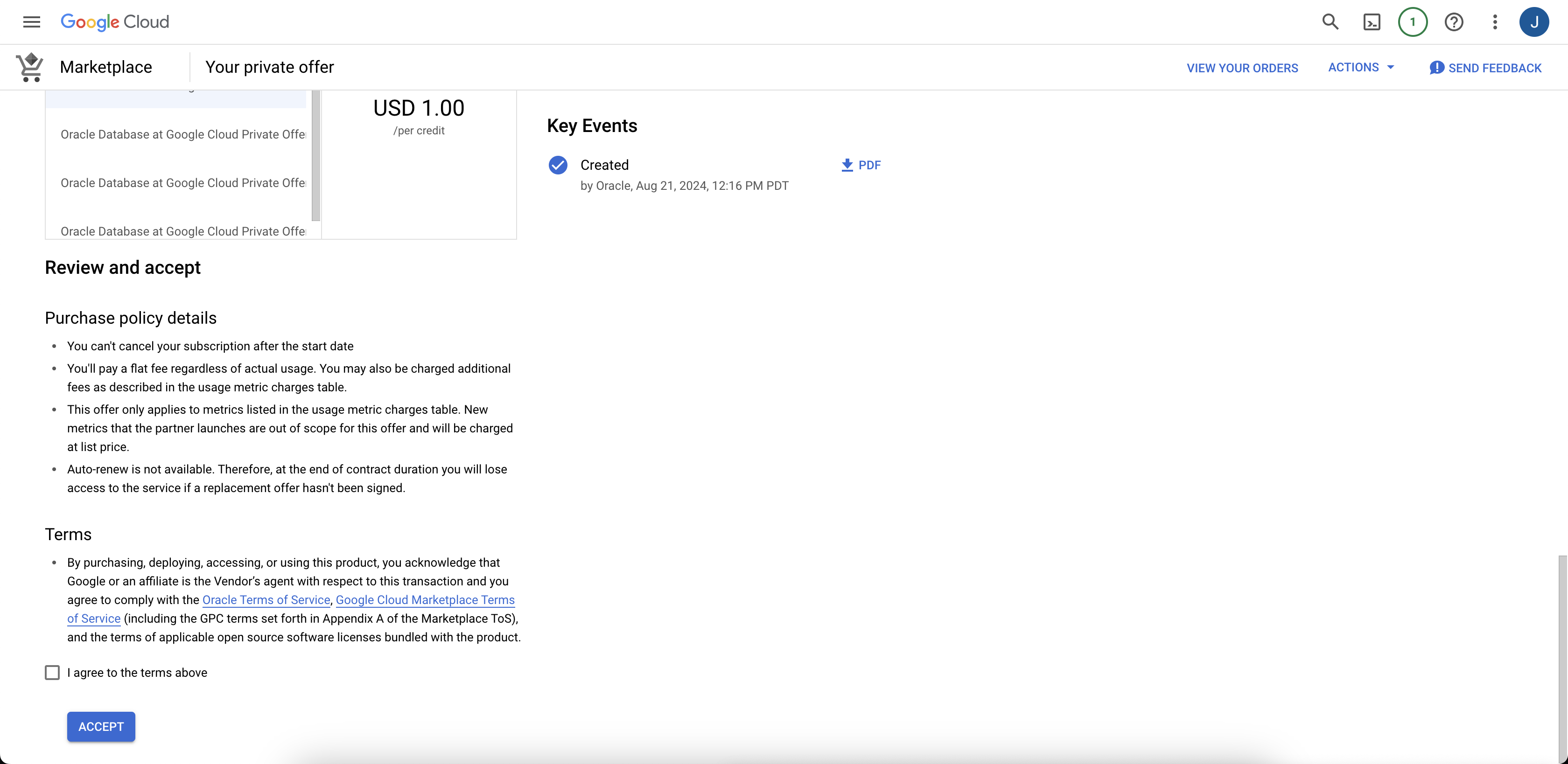
After reviewing the Purchase policy details and Terms, select the checkbox to agree to the terms, then select Accept.
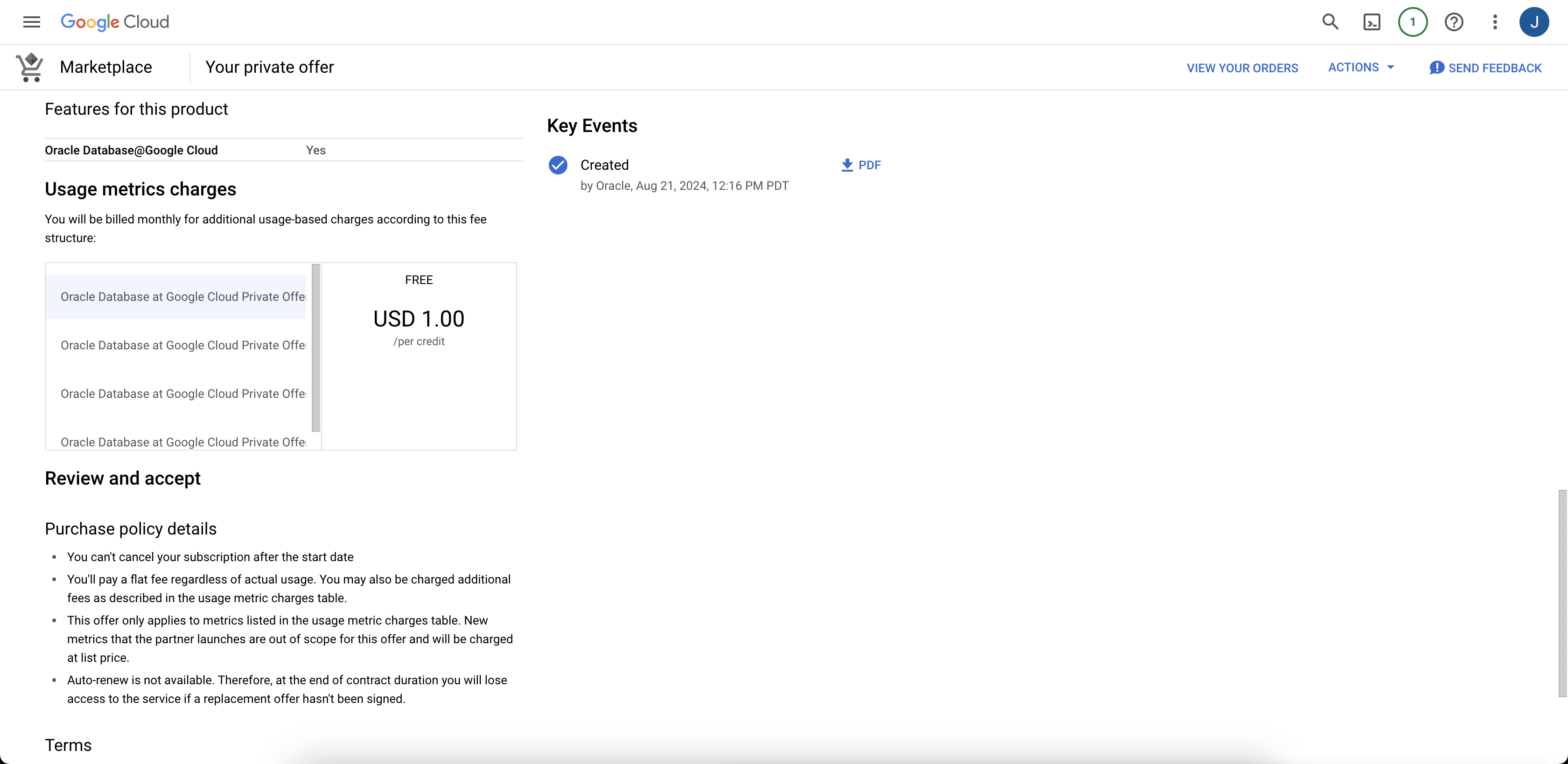
Scroll down to see the Accept button:
 The Google Cloud displays a confirmation message stating that you have accepted your Oracle AI Database@Google Cloud offer.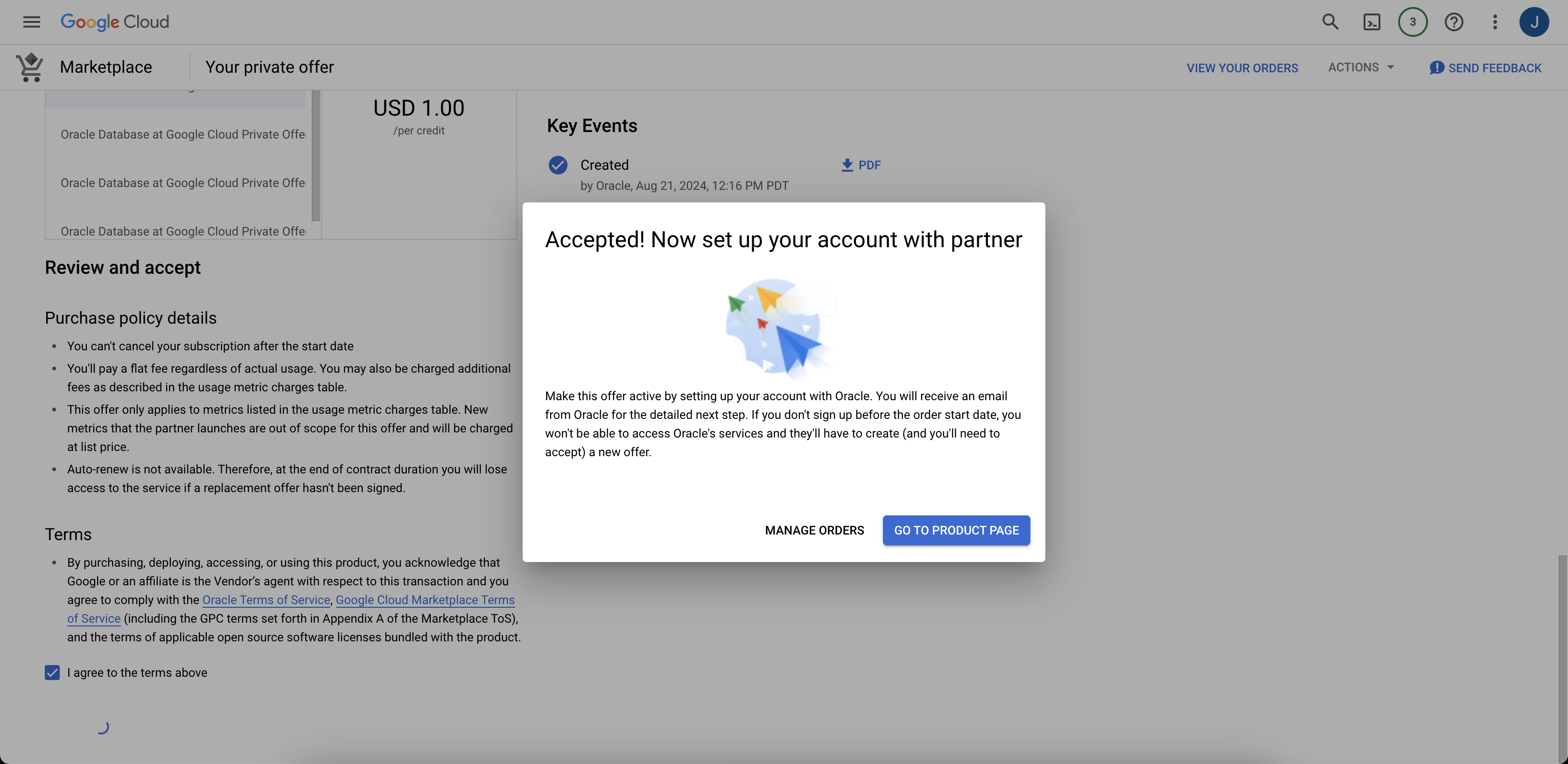
-
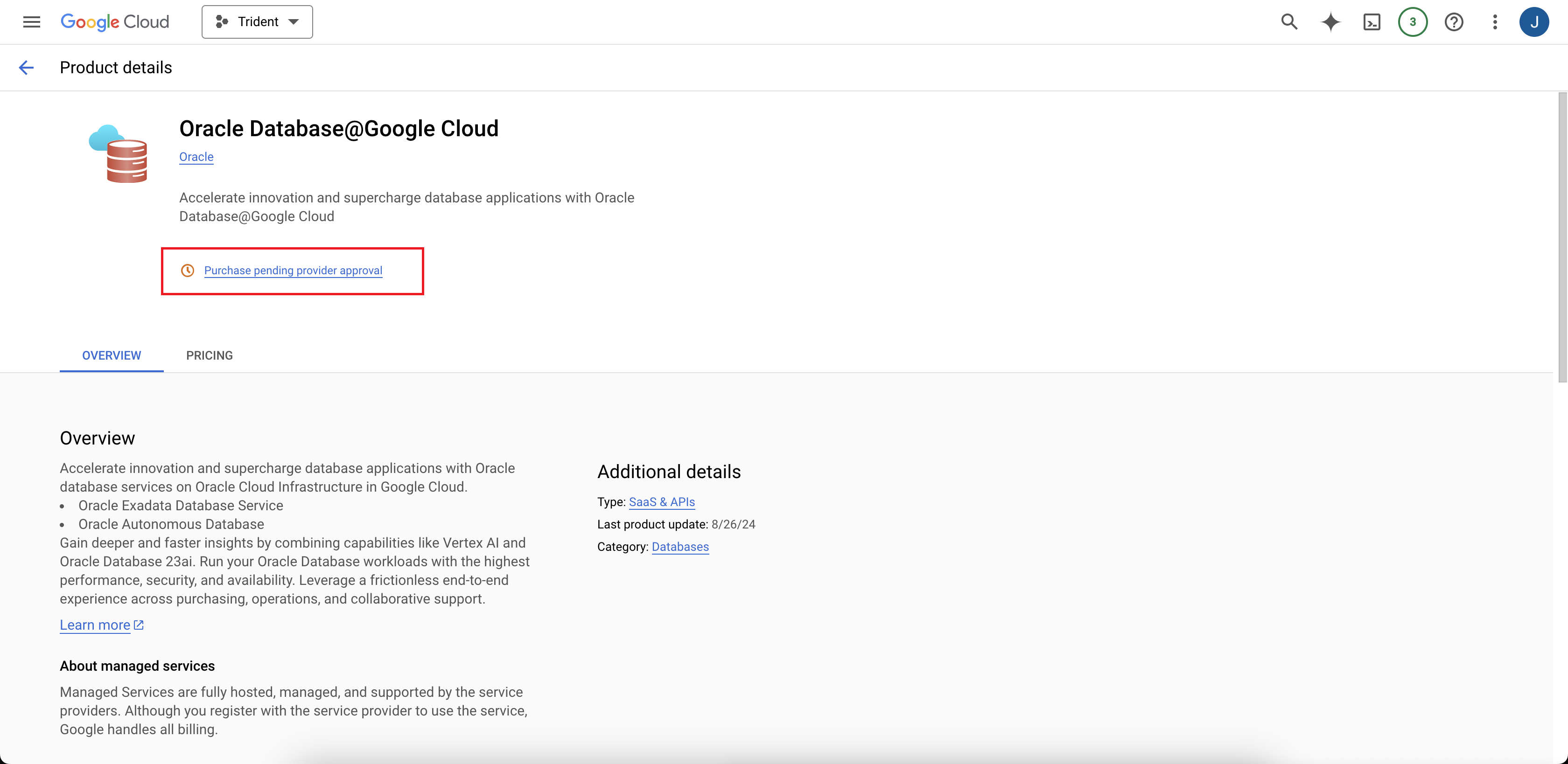
In the confirmation dialog box, select GO TO PRODUCT PAGE to navigate to the Oracle AI Database@Google Cloud product page.
On the Oracle AI Database@Google Cloud product page, the "Purchase pending provider approval" message displays.
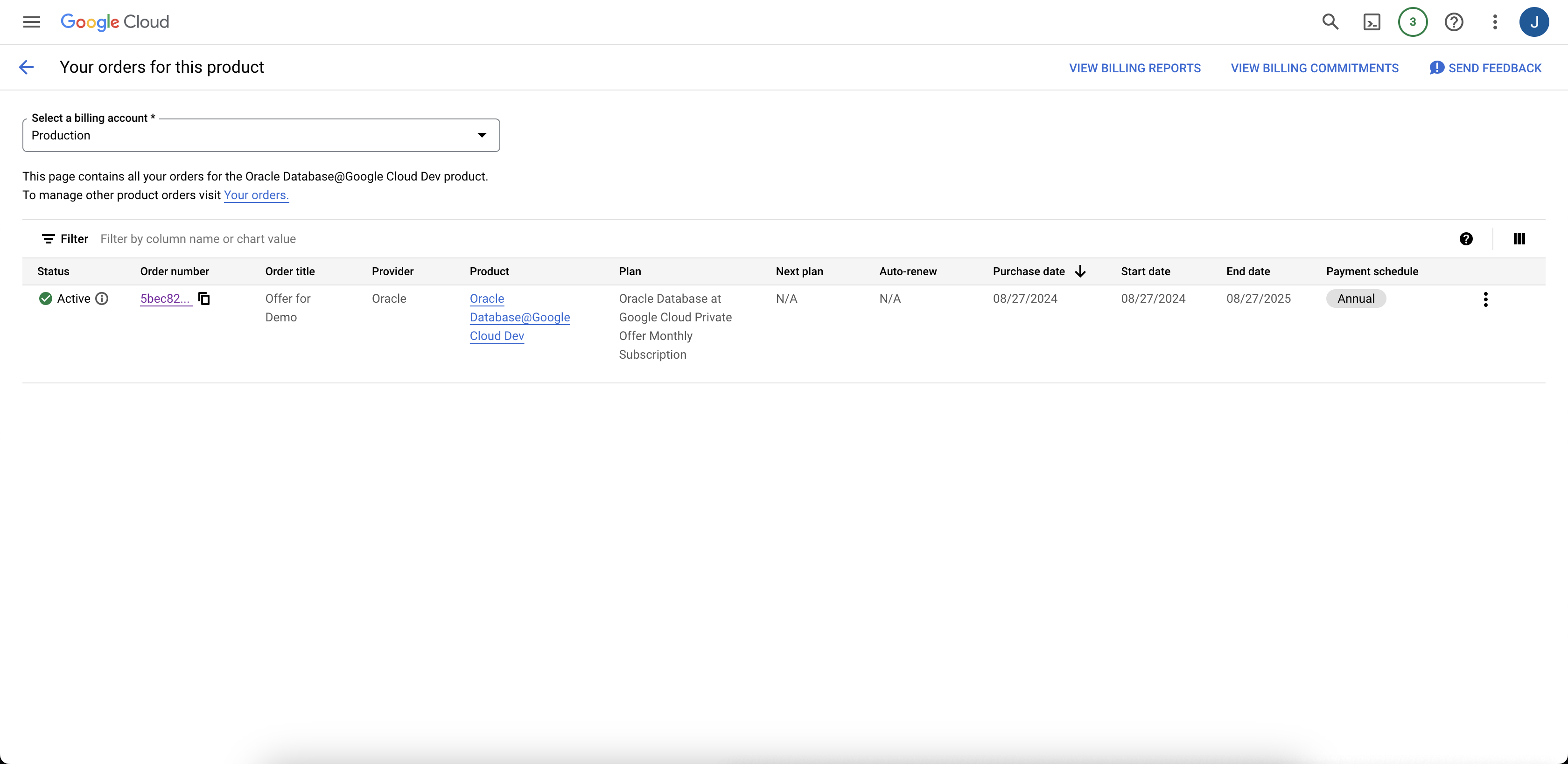
After the purchase is approved, the offer status is "Active" and the offer details page displays a "This offer was accepted on" message that shows the date of the offer acceptance.
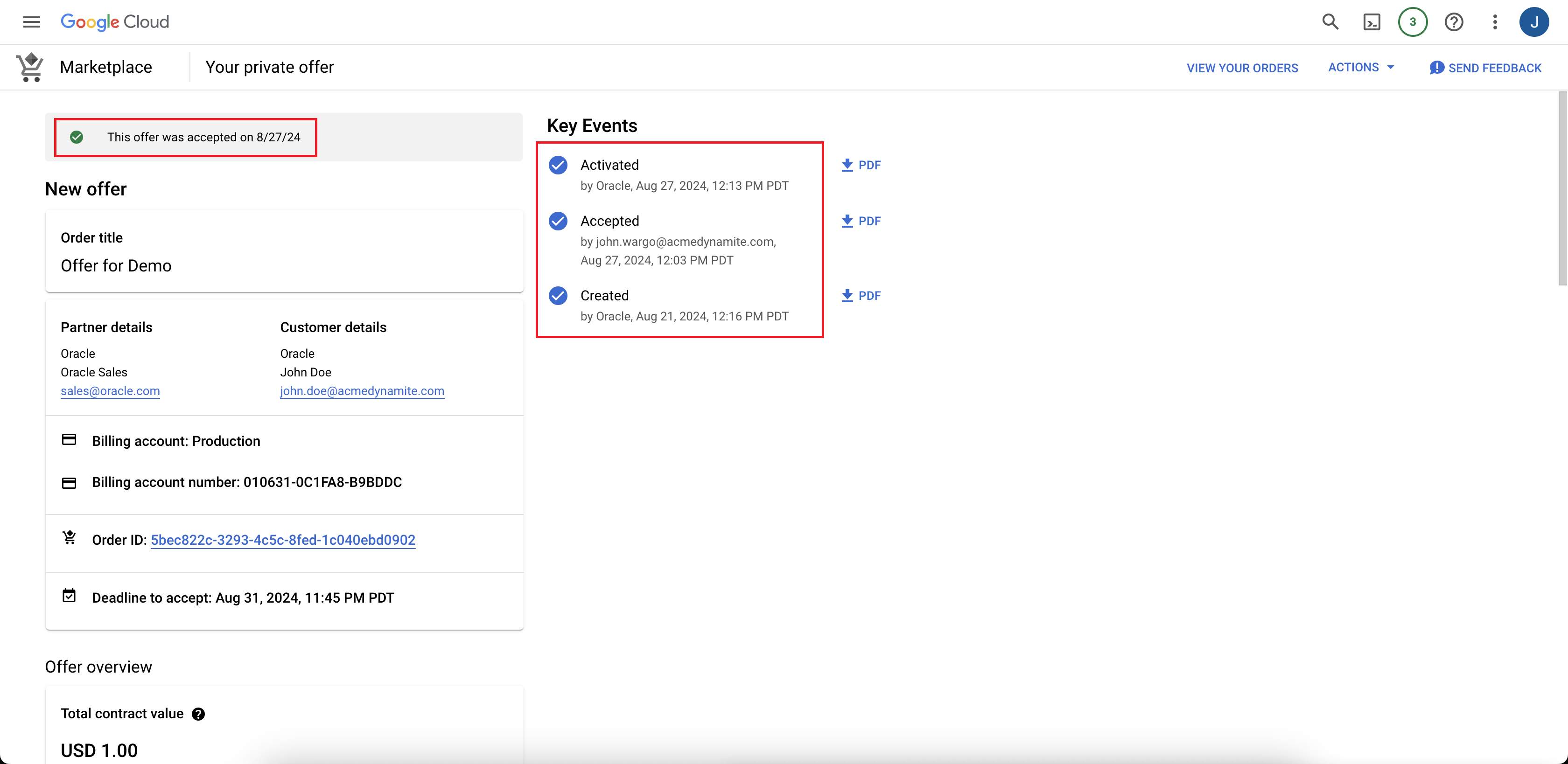
The orders list view after offer purchase:
-
On the Your private offer details page for Oracle AI Database@Google Cloud, review the details of the offer.
After you complete the prerequisites, follow the instructions in this section.
Public Offer is also called a standard offer, you can purchase this offer in the Google Cloud Marketplace at any time, and you don't need to negotiate a contract before you purchase. Oracle offers Autonomous Database for customers purchasing the Pay As You Go offer. Pay as You Go offers the most flexibility, letting you start and stop using the service at any time. Pay As You Go offers can be purchased in the Google Cloud Marketplace directly from OCI.
Steps
-
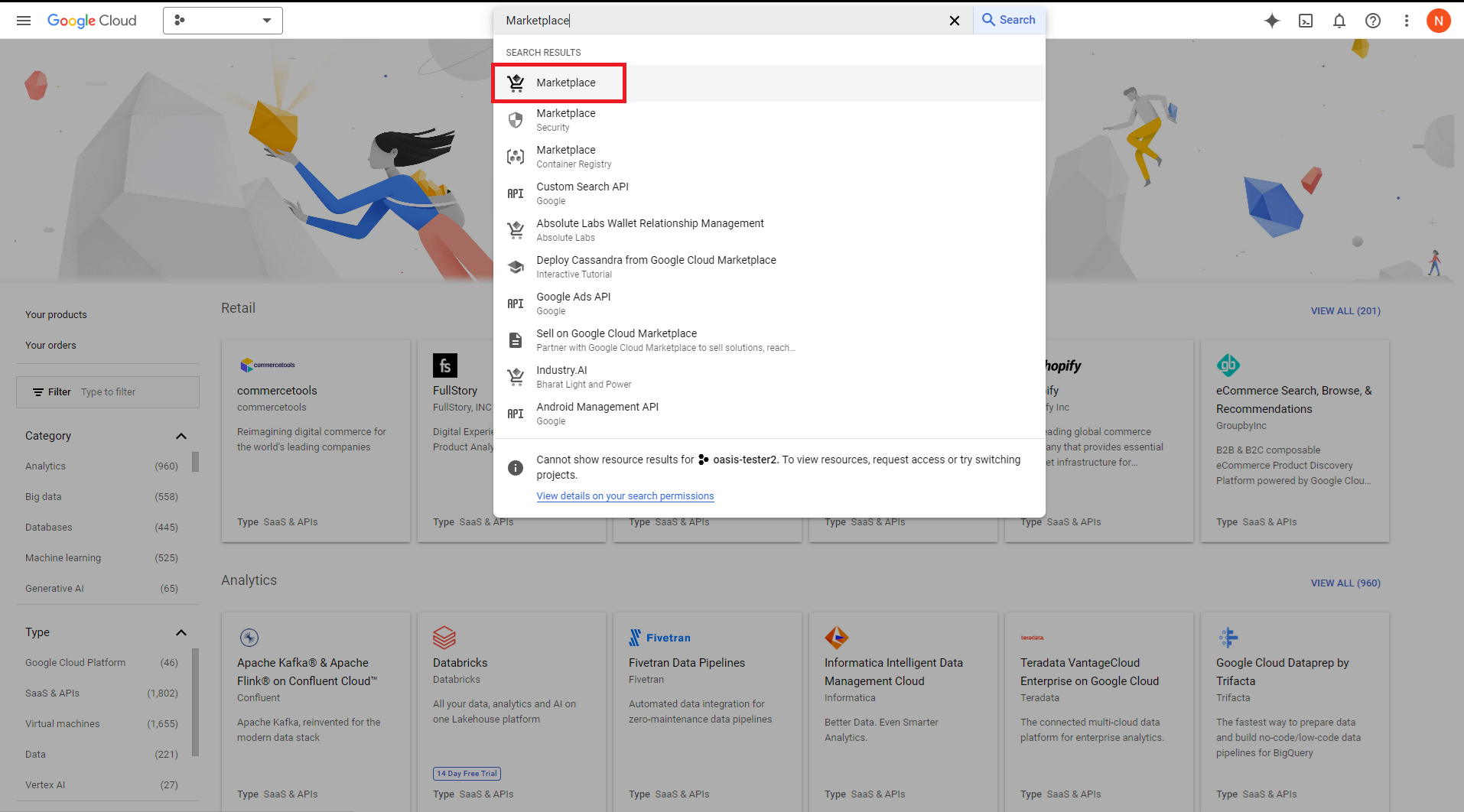
In the Google Cloud console search field, search for "Marketplace" and navigate to the Google Cloud Marketplace.
-
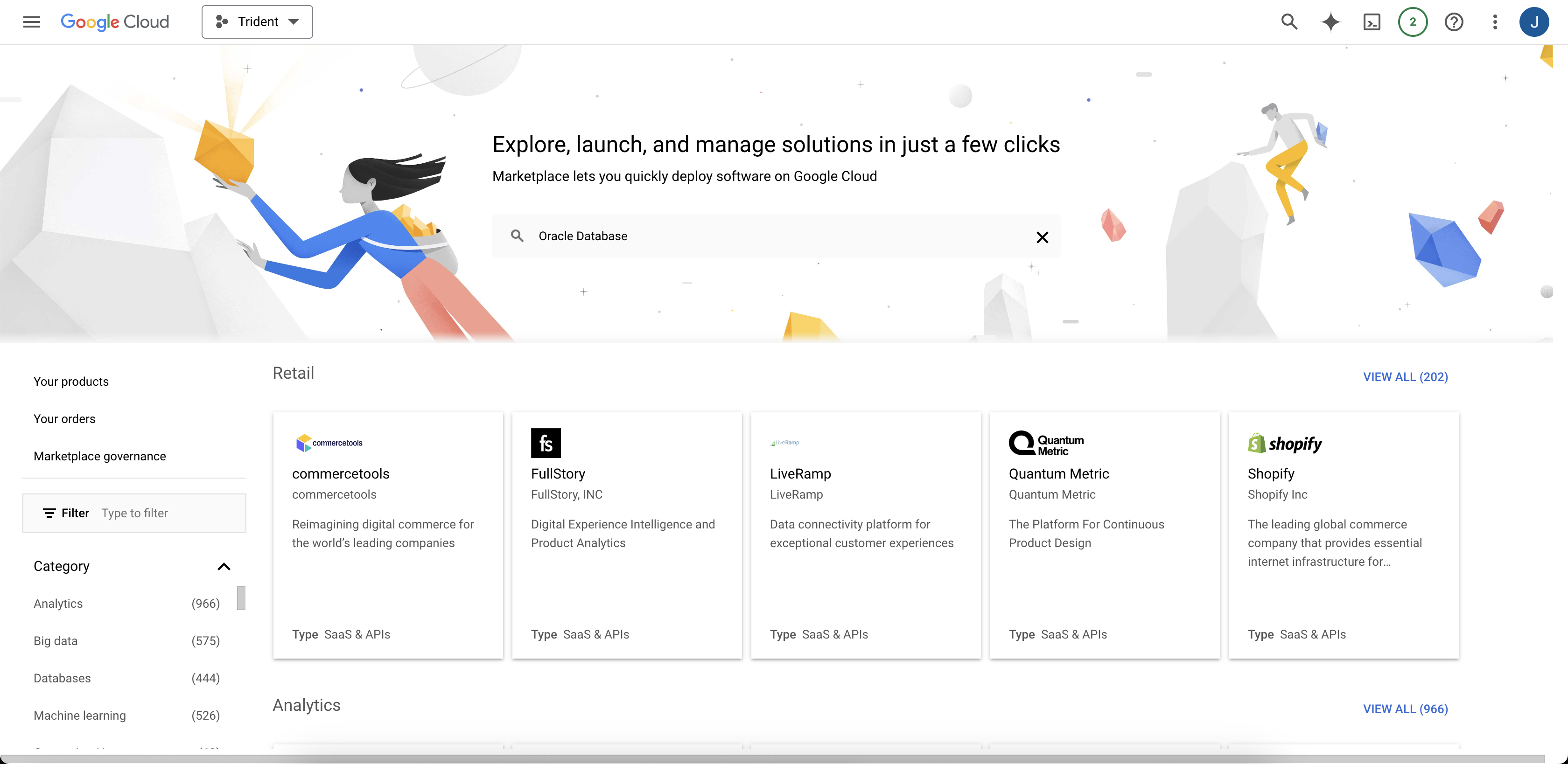
In the Google Cloud Marketplace search field, search for "Oracle Database".
-
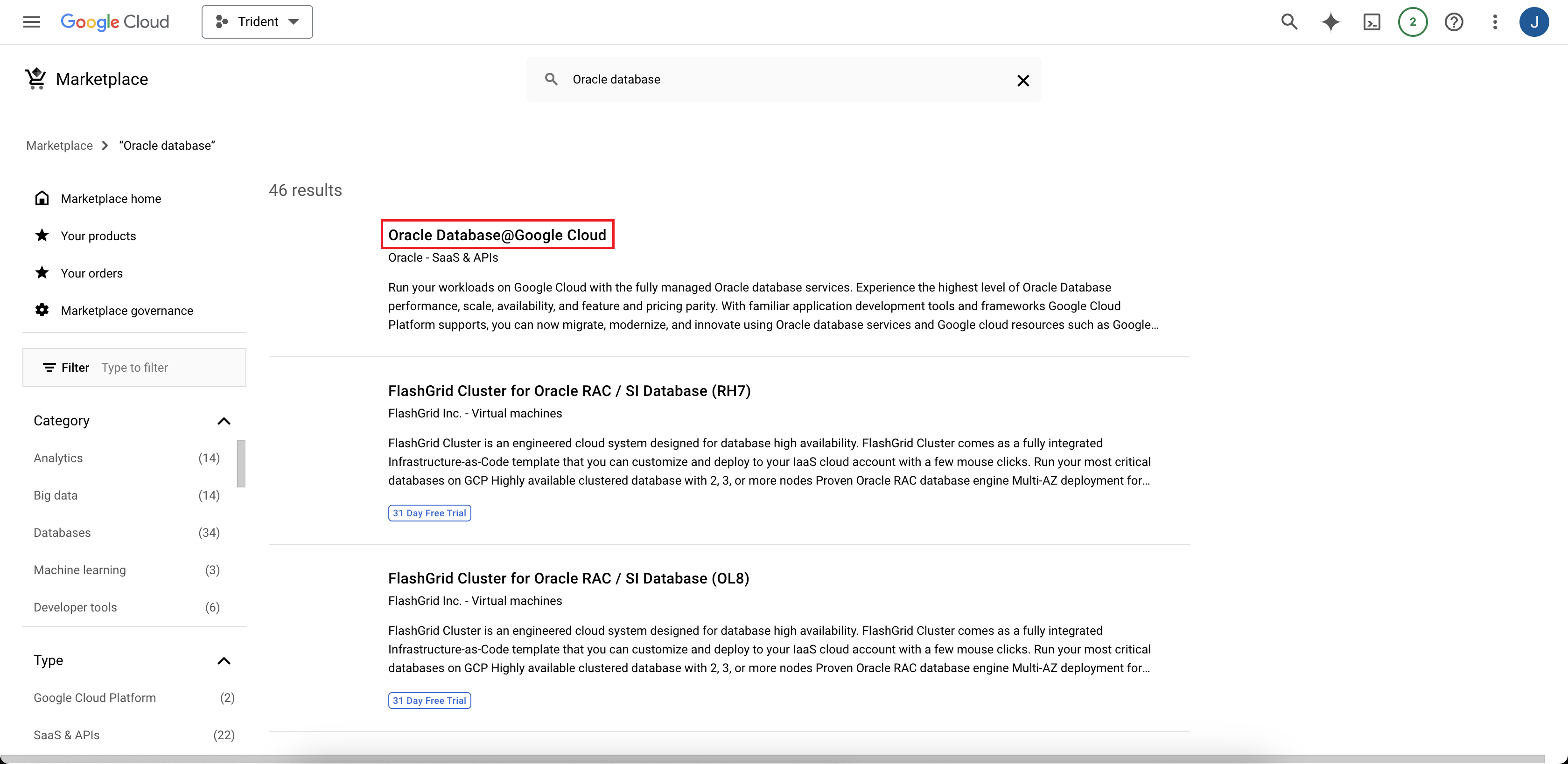
Select the search result for "Oracle AI Database@Google Cloud".
-
On the Oracle Database@Google Cloud product details page in the Marketplace: Select Subscribe.
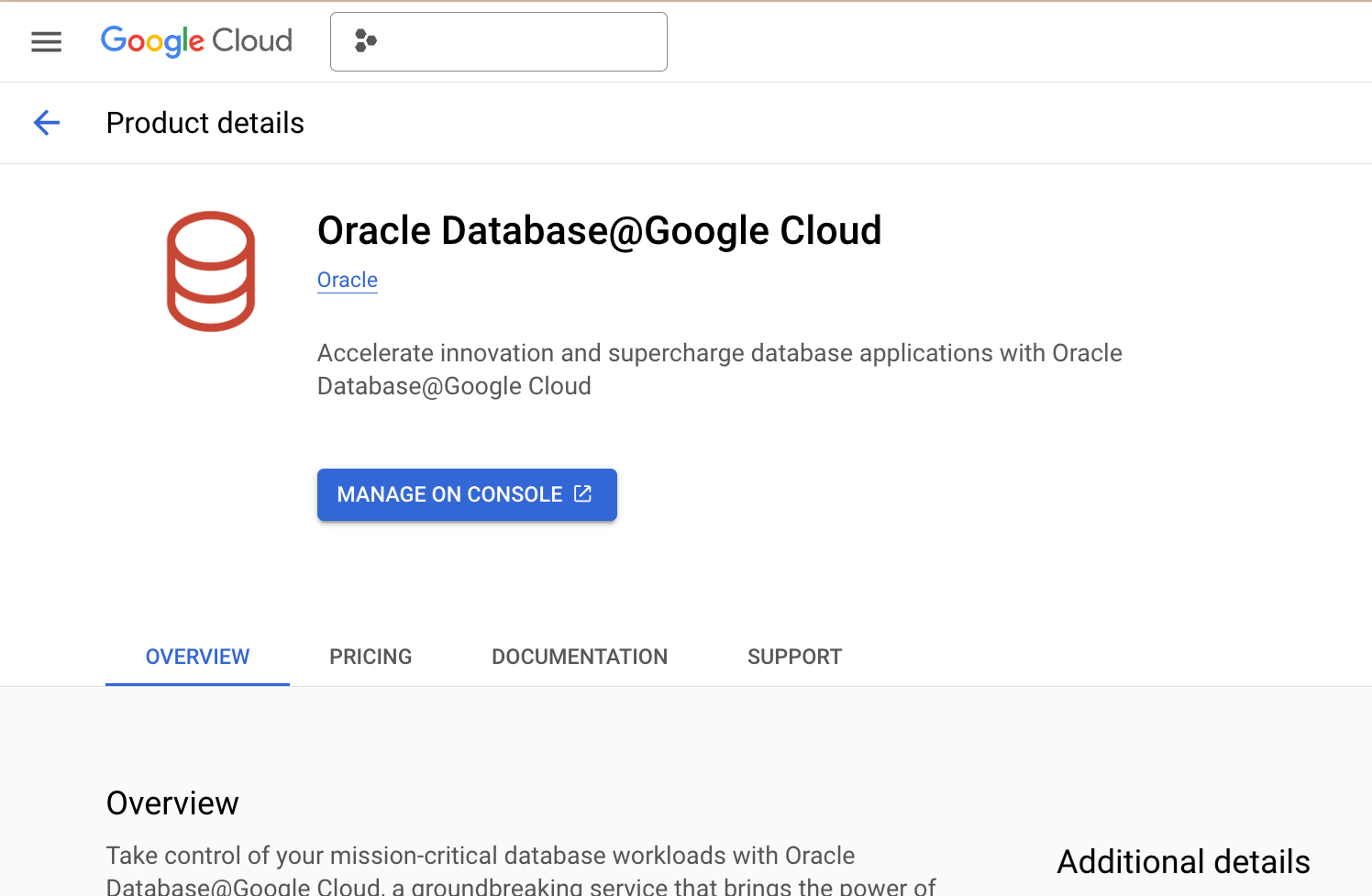
The Order Summary page opens.
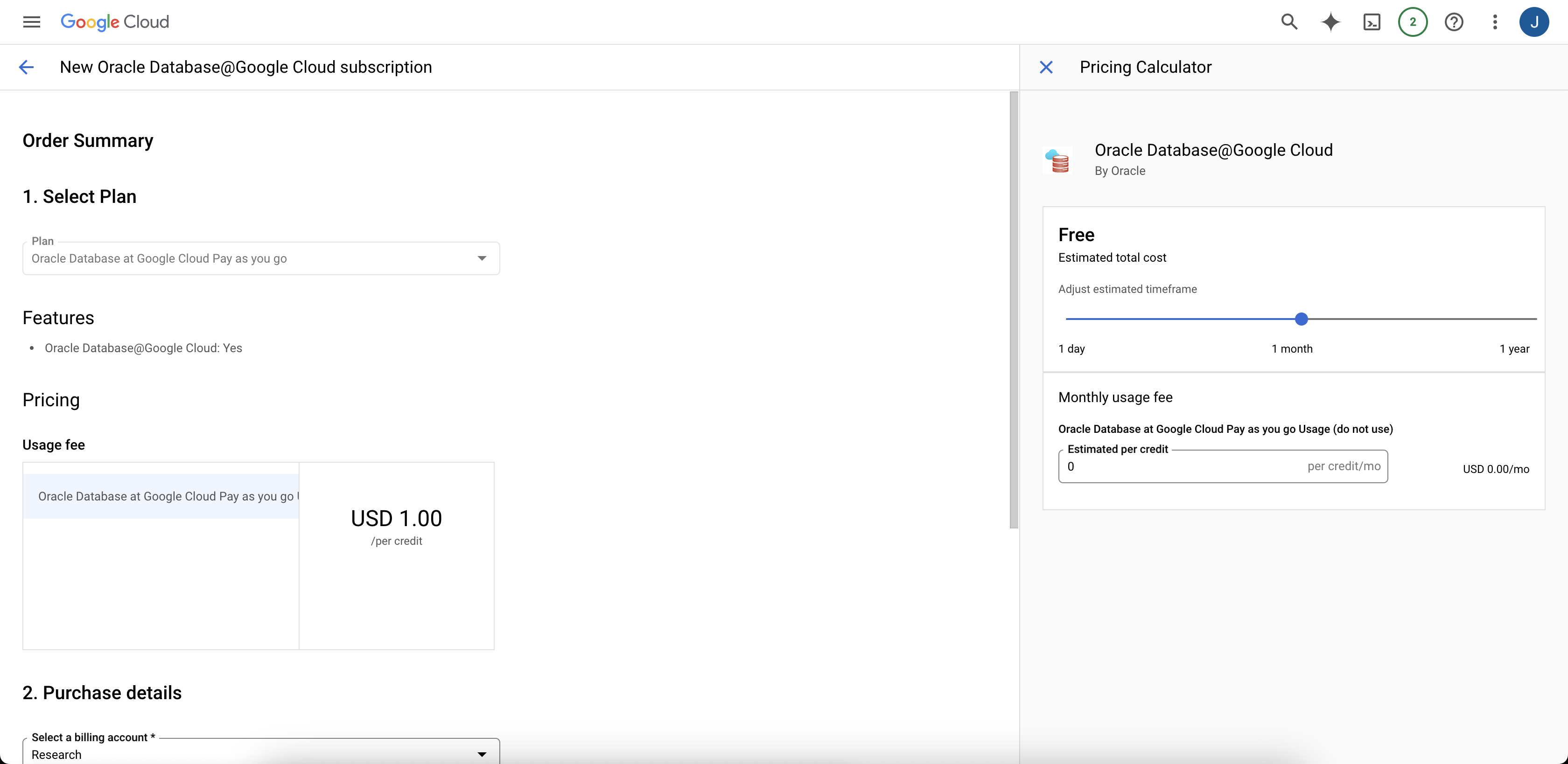
-
Review the information in Additional terms and accept the terms by selecting the checkbox, then select Subscribe.
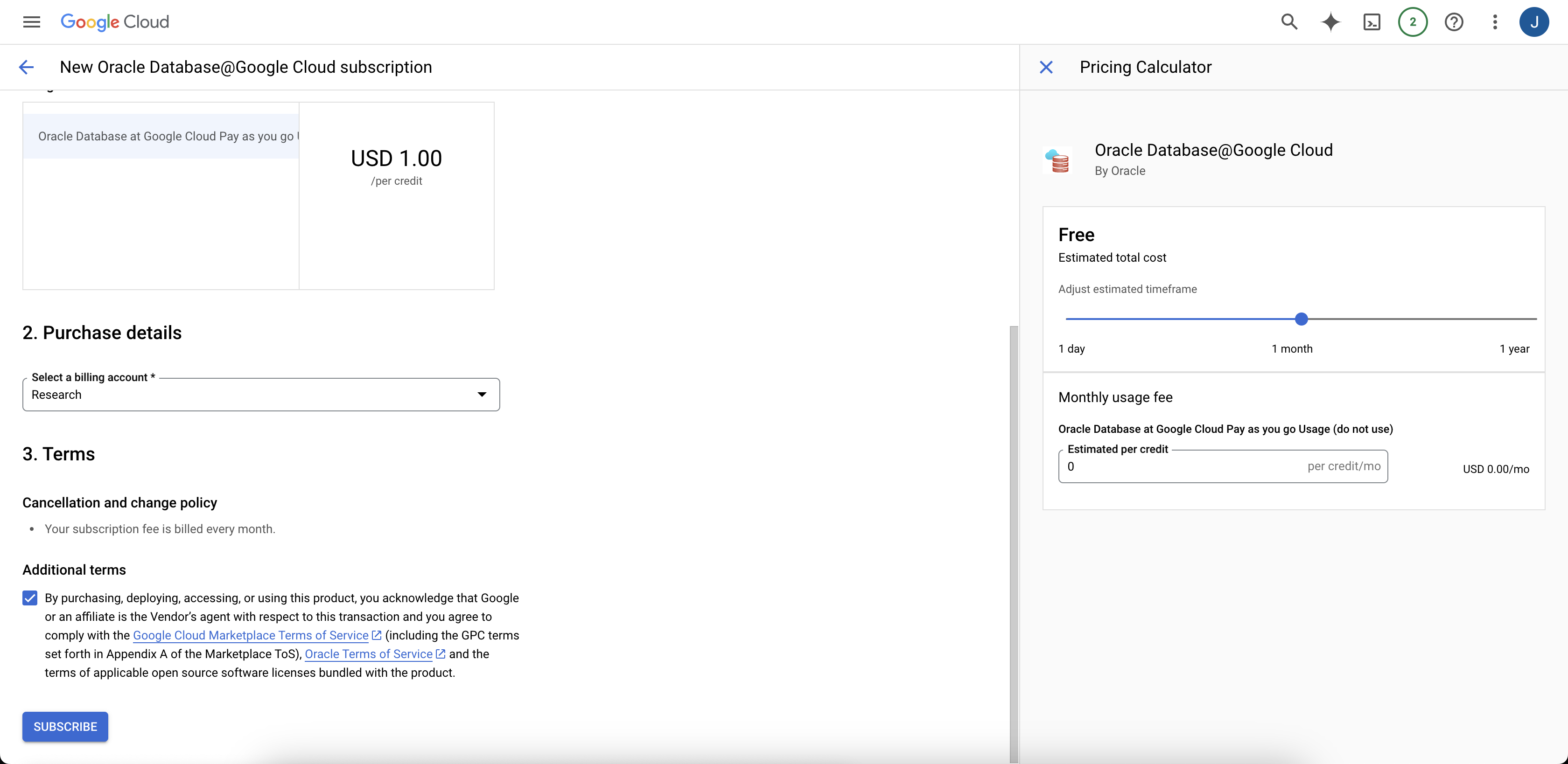
-
In the Your order request has been sent to Oracle dialog, select Manage Orders.
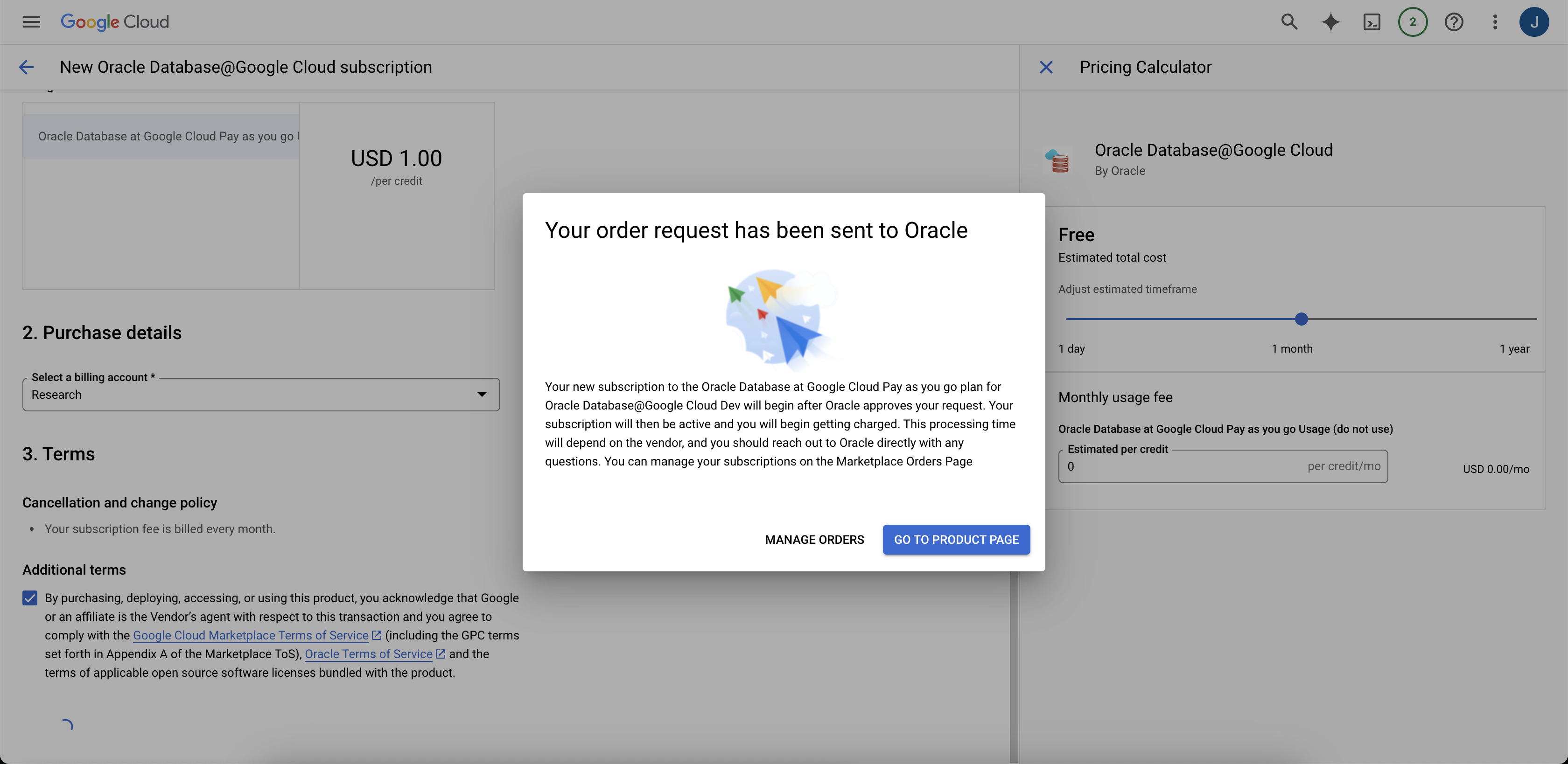 On the Your orders page, the order Status initially is "Pending".
 -
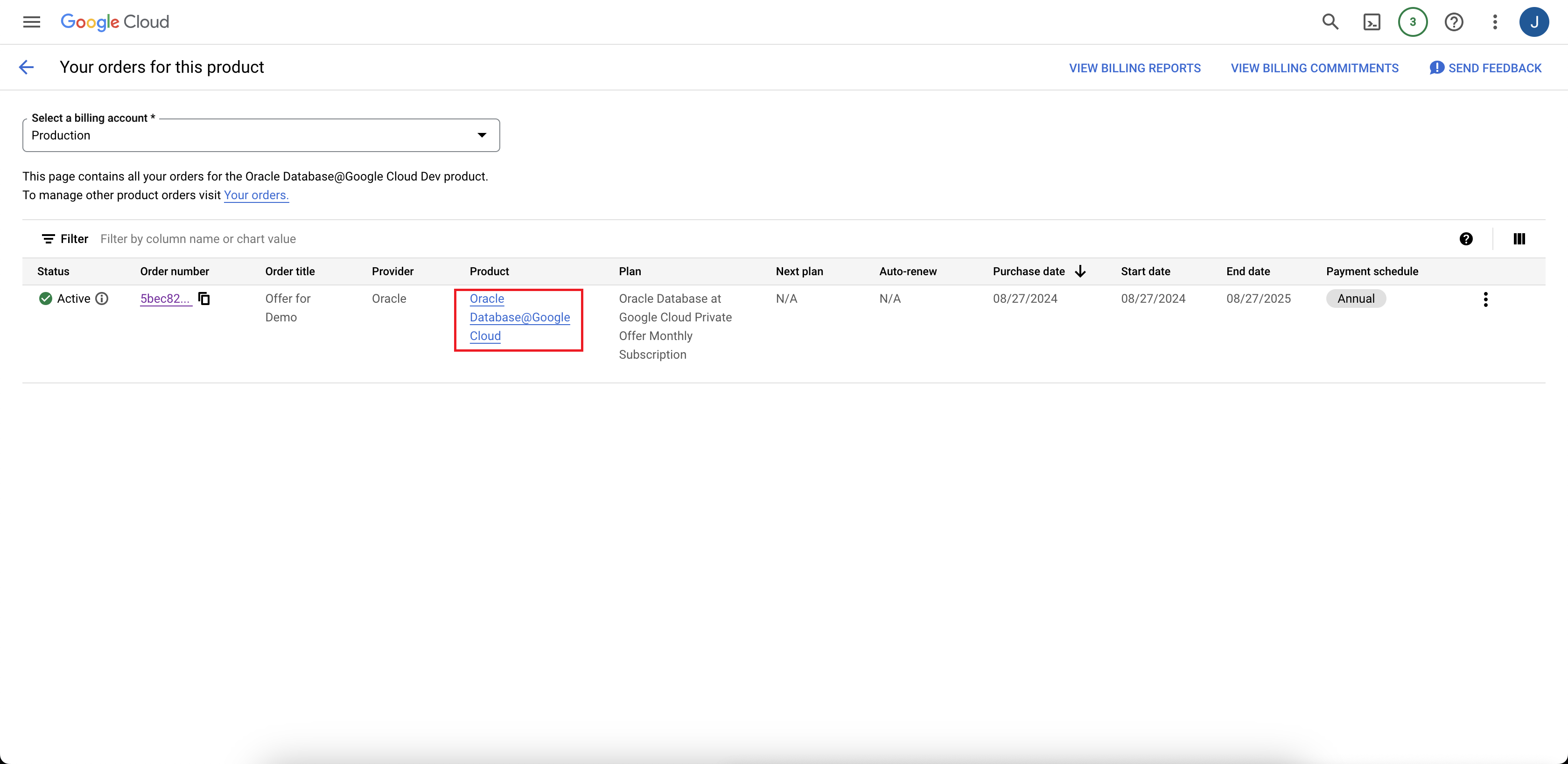
When the Status changes to "Active", select Oracle Database@Google Cloud in the Product column to navigate to the product details page.
-
In the Google Cloud console search field, search for "Marketplace" and navigate to the Google Cloud Marketplace.
What's Next
Look for an email from Oracle with the subject line Action Required: Welcome to New Oracle Cloud Service Subscription(s), which might take up to 24 hours. Continue onboarding by completing the steps in Link, after receiving the email.